Photo measurement
Capture a reference close up, then photograph the whole pile. A practical choice for standard stacks.
Capture a woodpile with your iPhone. Review log diameters, timber volume and the visual record, then share results with your team.
A LiDAR-equipped iPhone Pro or Pro Max is required for scanning.
Technical specification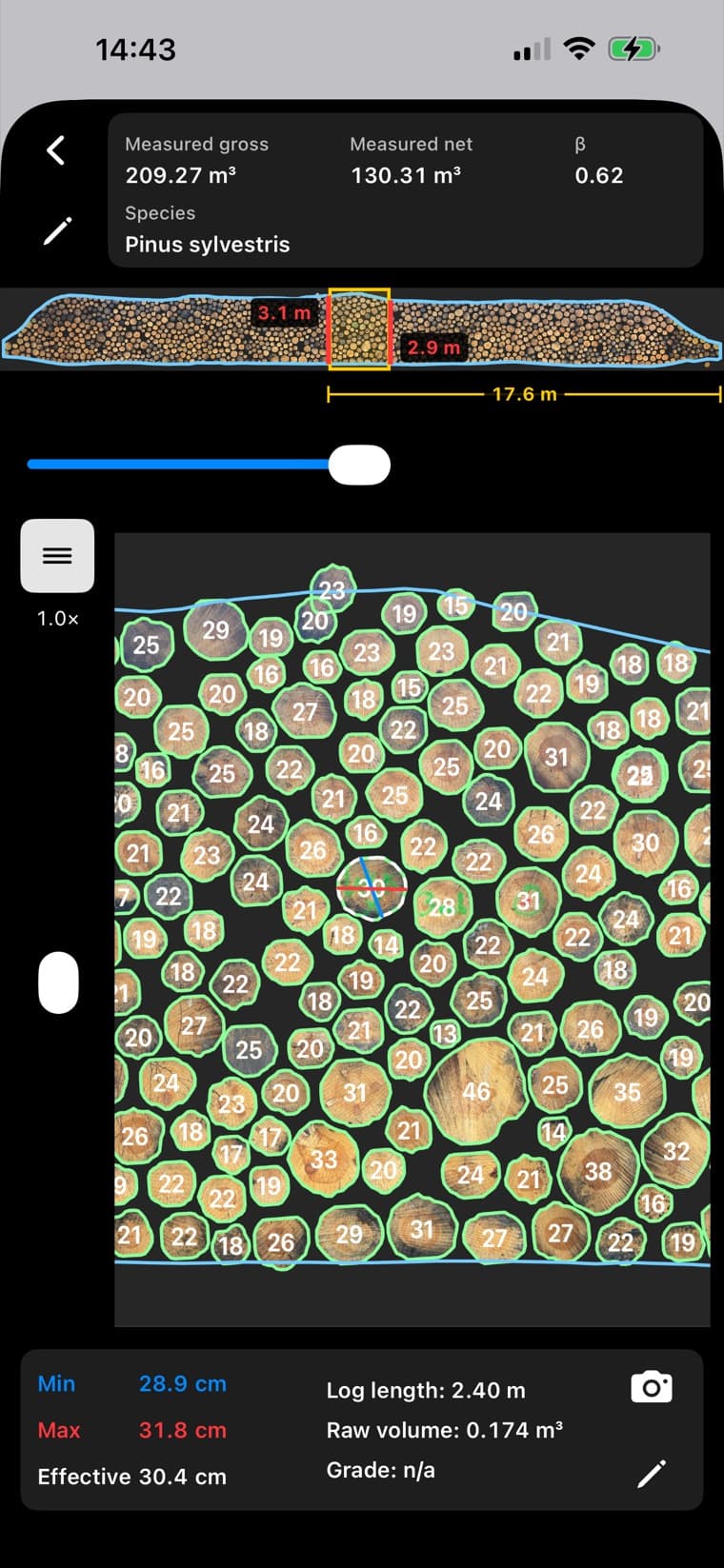
Start with 10 trial credits on a new installation. No account or organization pairing needed to try Pile3D.
Capture a reference close up, then photograph the whole pile. A practical choice for standard stacks.
Walk along the face of the pile to capture long stacks that do not fit in a single photo.
Capture individual logs for a closer look at their dimensions and volume.
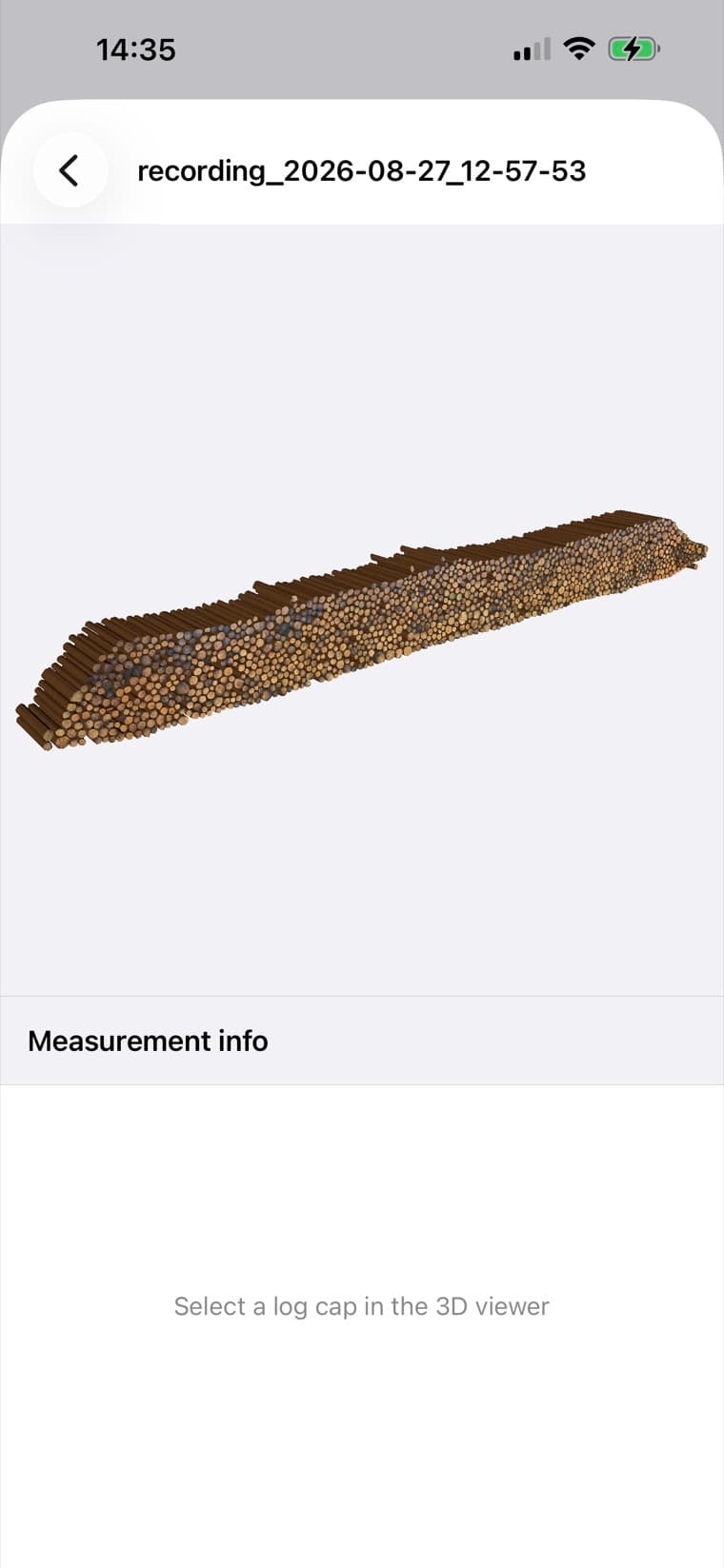
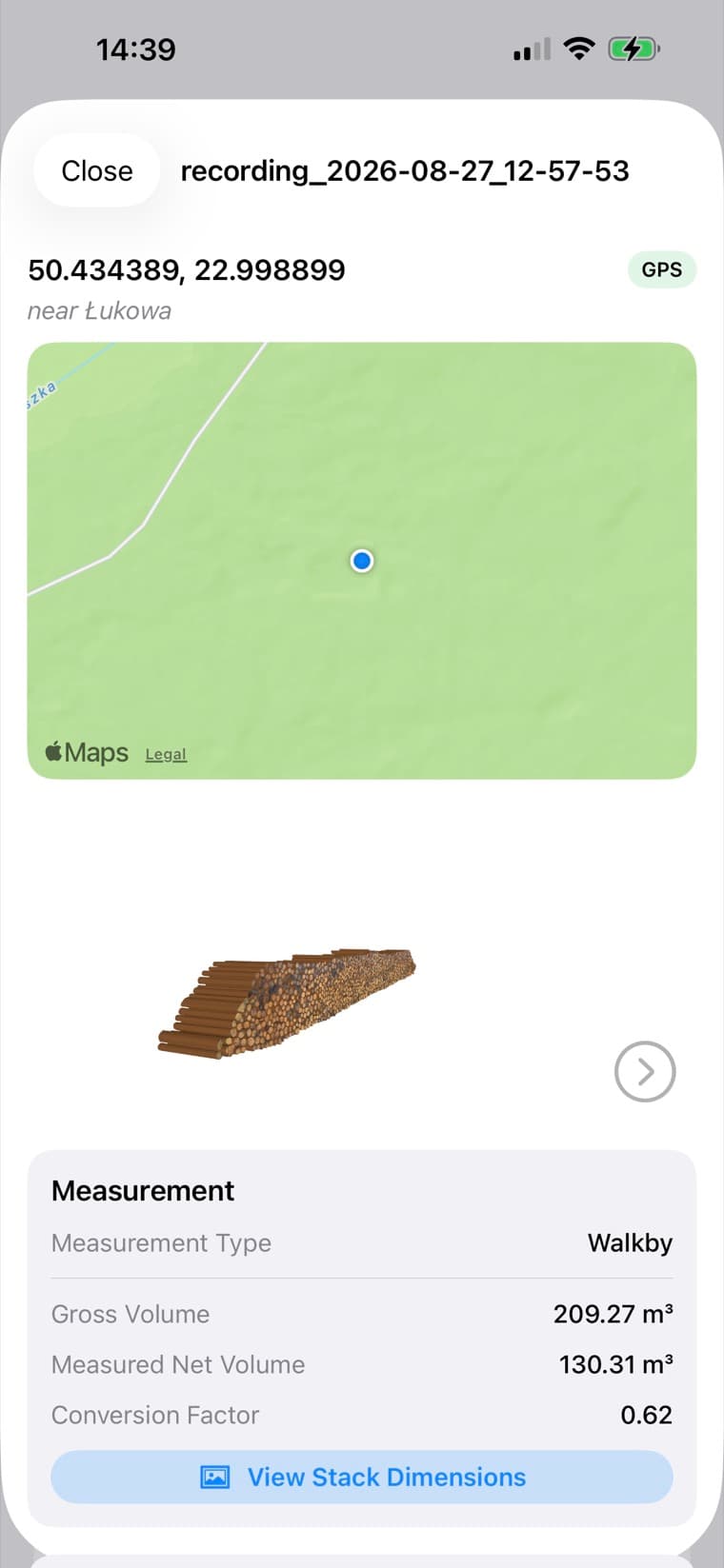
Results include log-by-log diameters on the measured side, gross volume from the pile envelope and net volume calculated from log diameters and lengths. An Excel export with a unique ID for each log supports further analysis, including grouping by diameter. Available photos and 3D views retain the context of the measurement.
Technical specificationCapture on your iPhone. Pair with your organization to bring scans into a shared workspace for inventory, devices and team access.
Open the portalFrom your first capture to a checked result. Follow the instructions shown in the app for your selected mode.
How to measureThe equipment, measurement methods and results behind Pile3D. A practical reference for your team.
Technical specification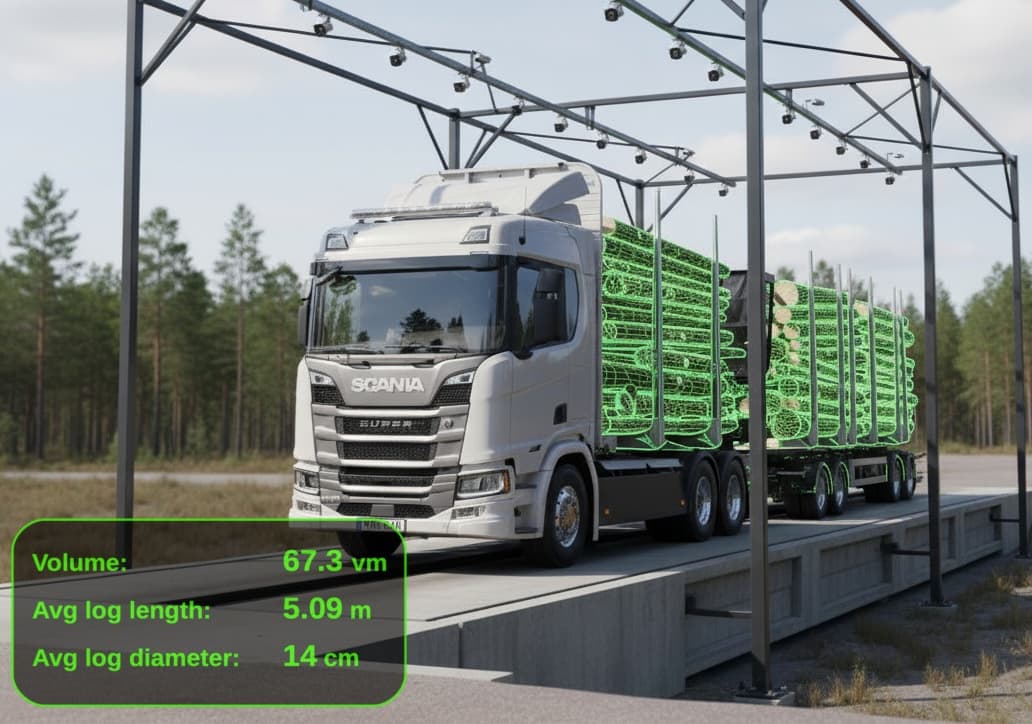
RollingWood · VMG
Start with mobile timber measurement using Pile3D. For automated truckload measurement at your mill, discover RollingWood’s Volume Measurement Gate (VMG) for roundwood and wood chips.
Explore VMG0.19EUR / credit
Use your own LiDAR iPhone. One recording uses one credit. Minimum purchase: 10 credits.
Buy credits59EUR / month / device
Use your own LiDAR iPhone with unlimited measurements.
99EUR / month
A LiDAR iPhone and unlimited Pile3D use in one package.
Prices exclude applicable VAT.
Register your interest. We will confirm the device model, availability, taxes and contract terms with you. This is not an order.
Scanning requires a physical iPhone Pro or Pro Max with LiDAR. Check the App Store listing for the current iOS requirements.
No. A new installation can start in trial mode. Pair with an organization when you are ready to work with your team.
Yes. Sign in to the Pile3D Portal to review your organization's scans and available photos and 3D results.
A LiDAR-equipped iPhone Pro or Pro Max is required for scanning.